
Fewer copies of your documents
When a service accepts a verified card, it gets the facts it needs, not a scan of your ID or certificate to keep on file.
You should not have to hand over a full ID scan to prove one thing, or create yet another account to use a service. Bisotun Wallet keeps verified cards on your phone and lets you share only what each service needs.
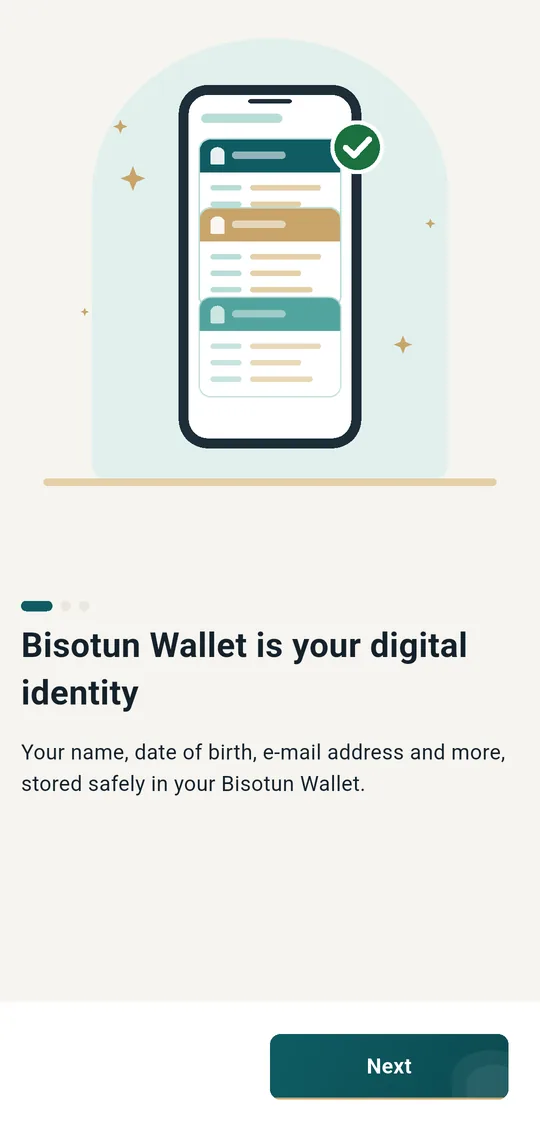
When a service accepts a verified card, it gets the facts it needs, not a scan of your ID or certificate to keep on file.
Log in by scanning a QR code and tapping Share. No new password to invent, remember or have stolen.
A service that needs to know you are a member does not get your member number, your address or your birthday.
Every request is shown before anything happens, and the Activity tab keeps a history of what you shared, with whom and when, on your phone.
Because the issuer's signature is checked by software, a service can accept your card immediately instead of reviewing documents by hand.
Download Bisotun Wallet for Android from our download page. It is free.
5 digits, or a longer PIN of up to 16 digits. Your wallet receives its account card automatically.
Try the demo: log in to a sample service with your wallet, no password. Your own My Bisotun page works the same way.
The verified email address card is coming soon. Other cards arrive when organizations you deal with start issuing them; they will offer them via a QR code or link.
You scan a QR code (or, on your phone, tap a button). Your wallet opens and tells you:
You tap Share or decline. If you share, the service receives only those items, and a proof that they are genuine. Bisotun does not yet verify organization names, so the app marks every requester as "not known to Bisotun". Check the web address before you share.
Your PIN is the key to your wallet, and it is checked by Bisotun's keyshare server, a server that holds one part of your wallet's secret key and only cooperates after a correct PIN. That brings two protections:
Biometric unlock (fingerprint or face) is optional and only opens the app screen; sharing and receiving cards still require your PIN.
If you forget your PIN, nobody can recover it for you: we do not have a copy. You choose "I forgot my PIN", set up the wallet again and get your cards again from their issuers.
Tip: you can install Bisotun Wallet on more than one phone. Each is a separate wallet with its own cards, so a second device gives you a spare.
| Where | What |
|---|---|
| Your phone | Your cards and their contents, your part of the wallet's secret key, your activity history and settings. Encrypted, and deleted if you choose "Delete all data" or uninstall the app. |
| Bisotun's keyshare server | Your random account ID, the server's part of the key, a protected check value for your PIN (never the PIN itself), your language, when your wallet was last used, and a log of PIN checks and wallet use (times only). |
| Bisotun's session server | The result of a request, in memory only, for up to five minutes, so the service can collect it. |
| The service you share with | Only the items you approved, which organization issued the card, and the card's issue and expiry weeks. |
There is no central database of your cards and no cloud copy. Details are in our privacy policy.
In My Bisotun, which you log in to with your wallet, you can see when your wallet was used and when your PIN was checked, and delete your wallet account. Deleting blocks the wallet at once; the remaining account records are removed after 30 days. A wallet account that has not been used for a year is deleted automatically 30 days later.
Ready to try it?