
Set up a secure wallet
Install the Android app and choose a PIN of 5 digits (or up to 16). Your wallet receives its account card automatically: a random account ID that holds no personal information.
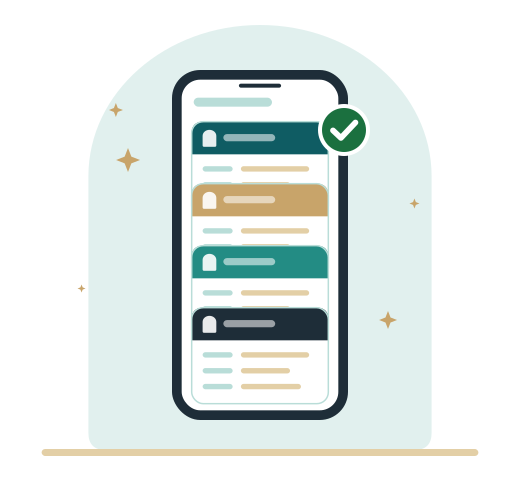
A clear list in three parts: what you can do today, what becomes possible when organizations issue cards, and what is coming later.
Available now
Install the Android app and choose a PIN of 5 digits (or up to 16). Your wallet receives its account card automatically: a random account ID that holds no personal information.
Try the demo: log in to a sample service with your wallet, no password. Scan the QR code and tap Share. Your own My Bisotun page works the same way, and any website registered with Bisotun can offer this login.
Each request shows who is asking and exactly which items they want. You can share or decline. Where a service accepts alternatives, you choose which card to show; optional items can be left out.
A single request can ask for items from different cards. You review them together and approve once.
Your wallet can receive a card by QR code or link as soon as an issuer offers one, and shows you its contents before you accept. No issuer offers a card to the public yet; the first one, the verified email address card, is coming soon.
The Activity tab lists every card you received and every item you shared, with whom and when. This history is kept on your phone only.
Every card shows how long it is valid. The app warns you when a card is about to expire and renews its own account card automatically.
See when your wallet was used and when your PIN was checked, and delete your wallet account if you no longer want it. Deleting blocks the wallet immediately.
Change your PIN, or delete all data at once; once you hold cards from issuers, you can also delete them one by one. Optionally unlock the app with your fingerprint or face (sharing and receiving cards still need your PIN).
The app, the login widget and My Bisotun are available in Persian, Arabic and English, with right-to-left layout for Persian and Arabic.
Organizations can issue
The platform lets an organization define its own card, with the items it knows to be true, and issue it to the people it has checked. None of these cards exists yet; they are examples of what an issuer could offer.
Yes/no answers such as "over 18", so services can check an age limit without seeing your date of birth.
Name, date of birth or nationality, issued by an organization that has verified your identity. Services request only the fields they need.
Diplomas and degrees from universities and schools; student status for the current year.
Registrations and licences from professional bodies, with a "registered until" date.
Employer and "currently employed", issued by an employer instead of a signed letter.
Association, club or union membership, with level or category if needed.
A verified city, postal code or phone number, from an organization that has checked it.
An issuer can ask you to show a card you already have, then issue its own card in the same flow.
A service can also ask for a specific value, such as "membership level: gold", and your wallet only offers cards that match.
Start with what works today.